
UIGraphics HD
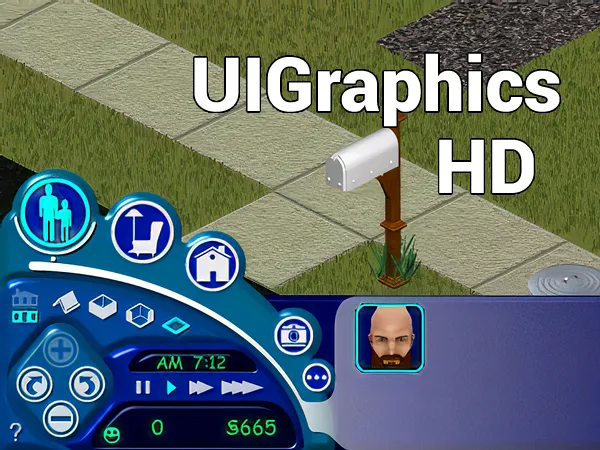
Update your graphics to play Sims 1 in HD
How to install?
- Open Sims1WidescreenPatcher.exe;
- Find for the Sims.exe;
- Click 'Patch';
- Copy the 'UIGraphics' folder to the 'Maxis\The Sims'; (replace the original folder);
Notes: case Windows alerts you about 'Graphic Cards not supported', right click 'Sims.exe' > Properties > Compatibility, select "Run this program in compatibility mode for" and choose the operating system. In my case, 'Windows XP (Service Pack 2)' worked well. Also, check the box that says "Reduced color mode" and choose 16 bit. Save and open the game again.
Published
#share
https://simsfinds.cc/wiKOqeHj
Download
Download
wait seconds... or skip the wait with Premium. Upgrade now!
Don't go Yet!
#whynotdownload
Show All